
I’ve installed the wallet, but how do I activate it?
2026.03.23 updated
Once your wallet is created, a link will be displayed to receive coins for opening your account.
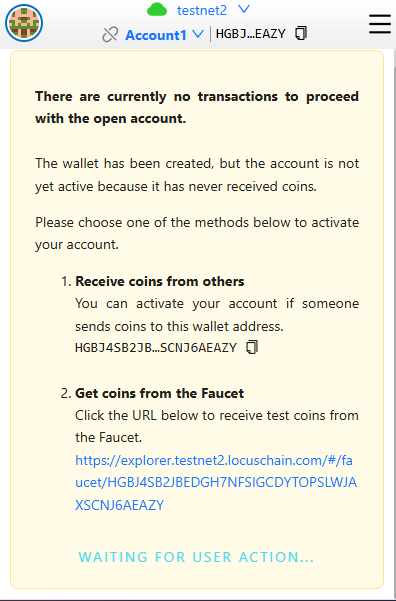
Click the link in step 2 to go to the Locus Testnet Faucet page.
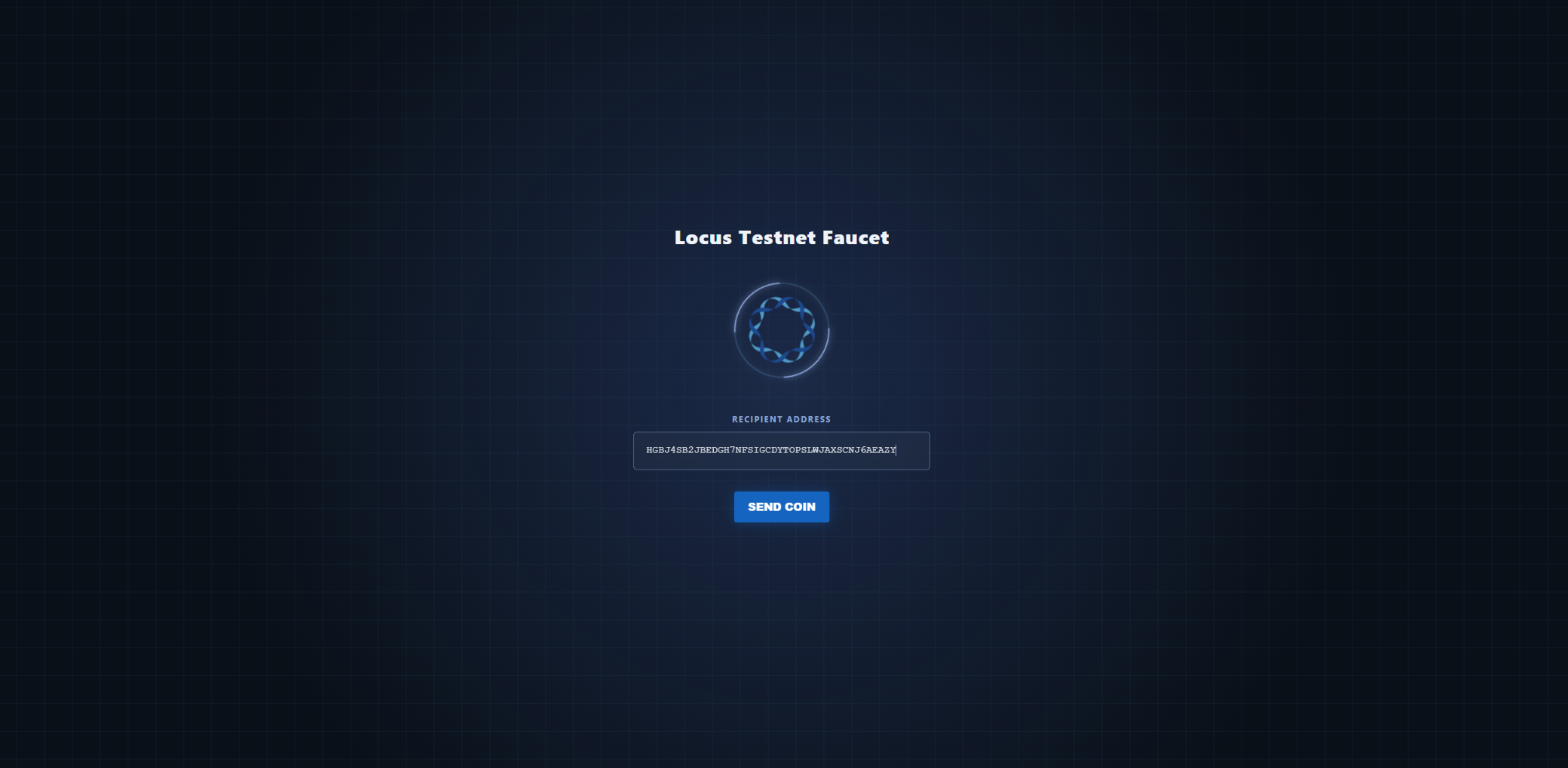
After clicking the Send Coin button, click the wallet icon in your browser extension to check that the open account process has started.
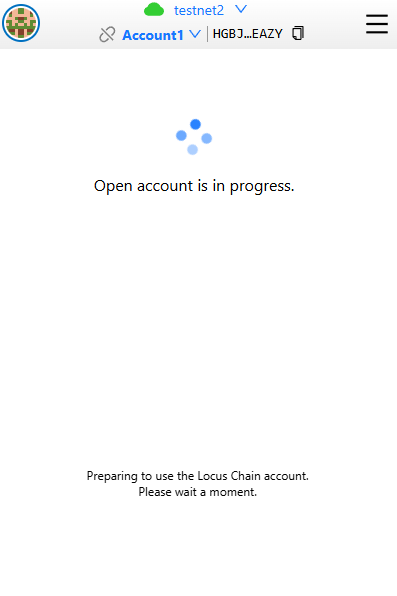
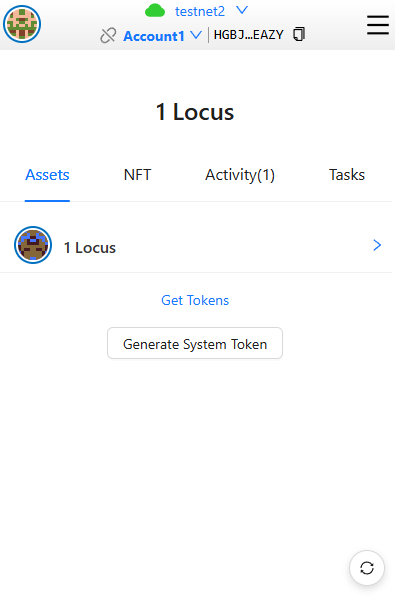
When the open account process (approximately 40 seconds to 2 minutes 40 seconds) is completed, 1 test LOCUS will be credited, and your wallet will be ready to use.Open
*Account Process: Funding → Funding TX Consensus → Open Account TX → Open Account Consensus
Need more help? Contact support