
How do I launch the wallet?
2026.03.23 updated
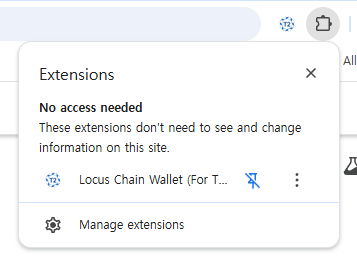
After installing the Locus Wallet browser extension, pin the wallet icon to the top right of your browser.
Click the Locus Wallet icon to launch the wallet.
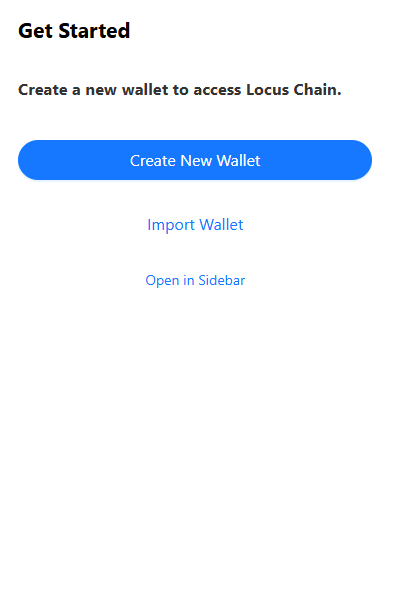
Click the Create New Wallet button.
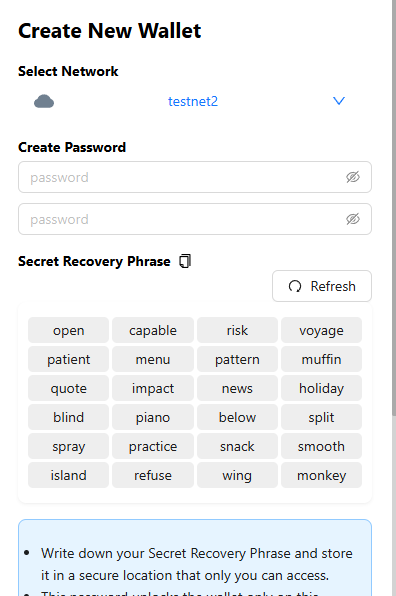
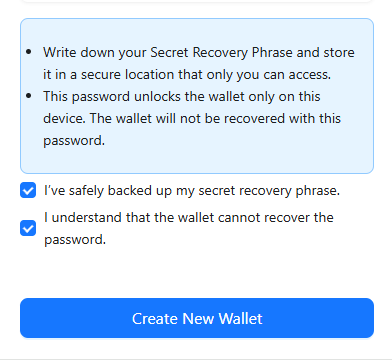
Enter a password, review the information at the bottom, and click Create New Wallet to generate your wallet.
(Secret Recovery is required to import your wallet on another PC or to restore it after reinstallation, so please make sure to save and keep it secure.)
Need more help? Contact support