
How do I install the Locus Wallet?
2026.03.23 updated
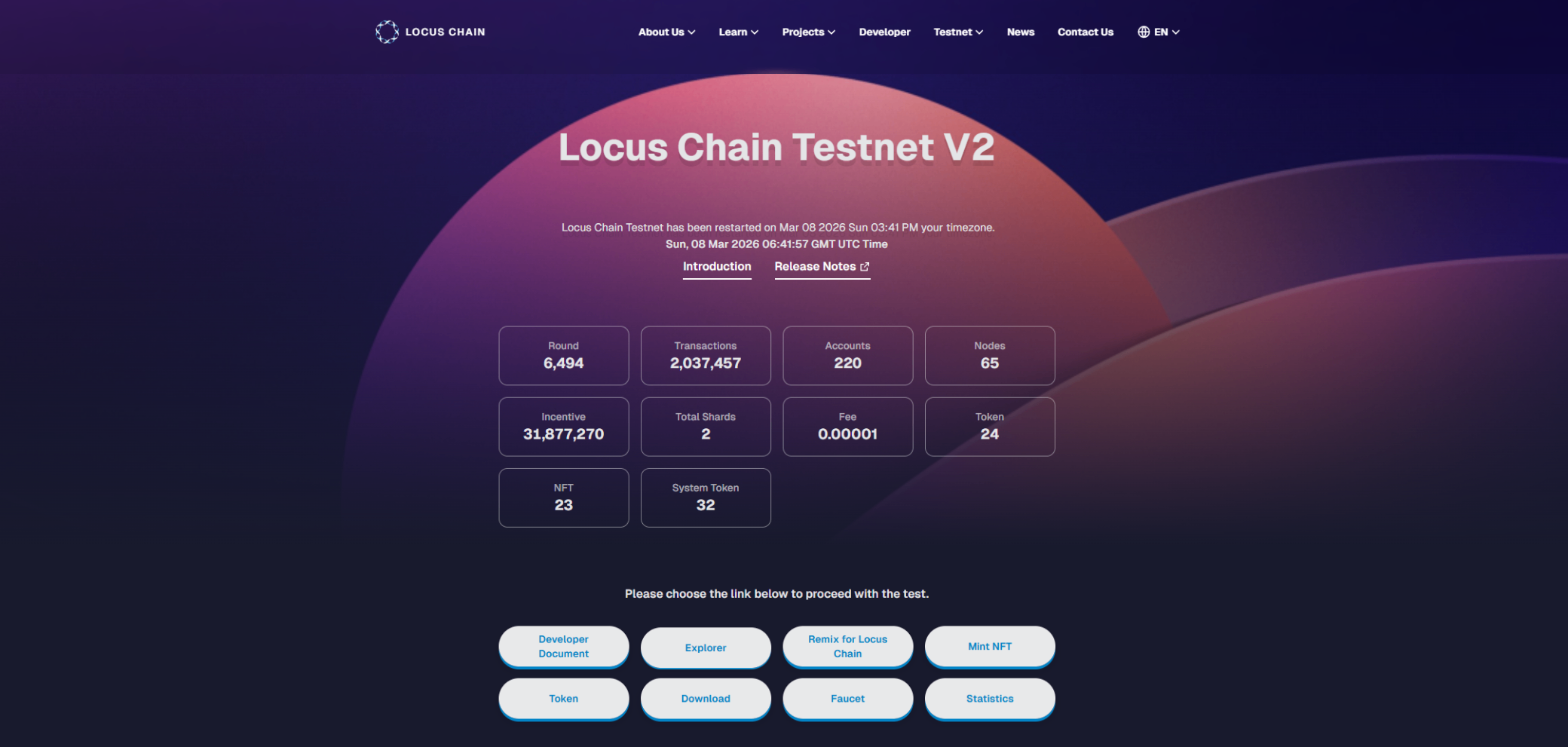
Click the Download button located in the second row at the bottom of the Locus Chain Testnet V2 page.
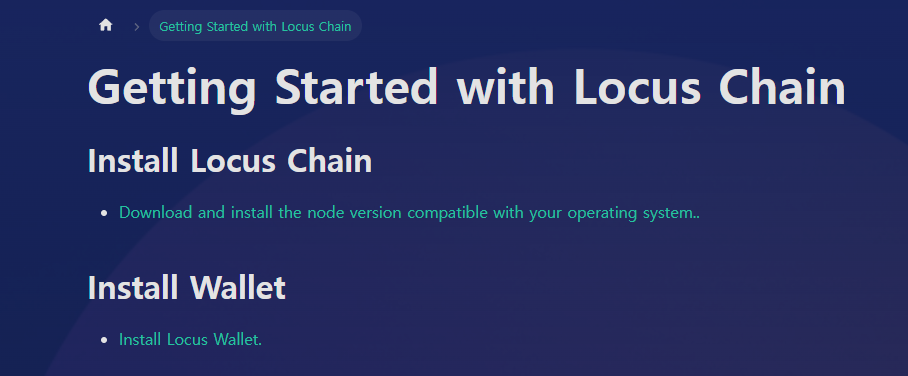
On the download page, click Install Locus Wallet to install the wallet via the Chrome Web Store as a browser extension.
If you are using Edge, clicking the download button will also allow you to add it as an extension in Edge.
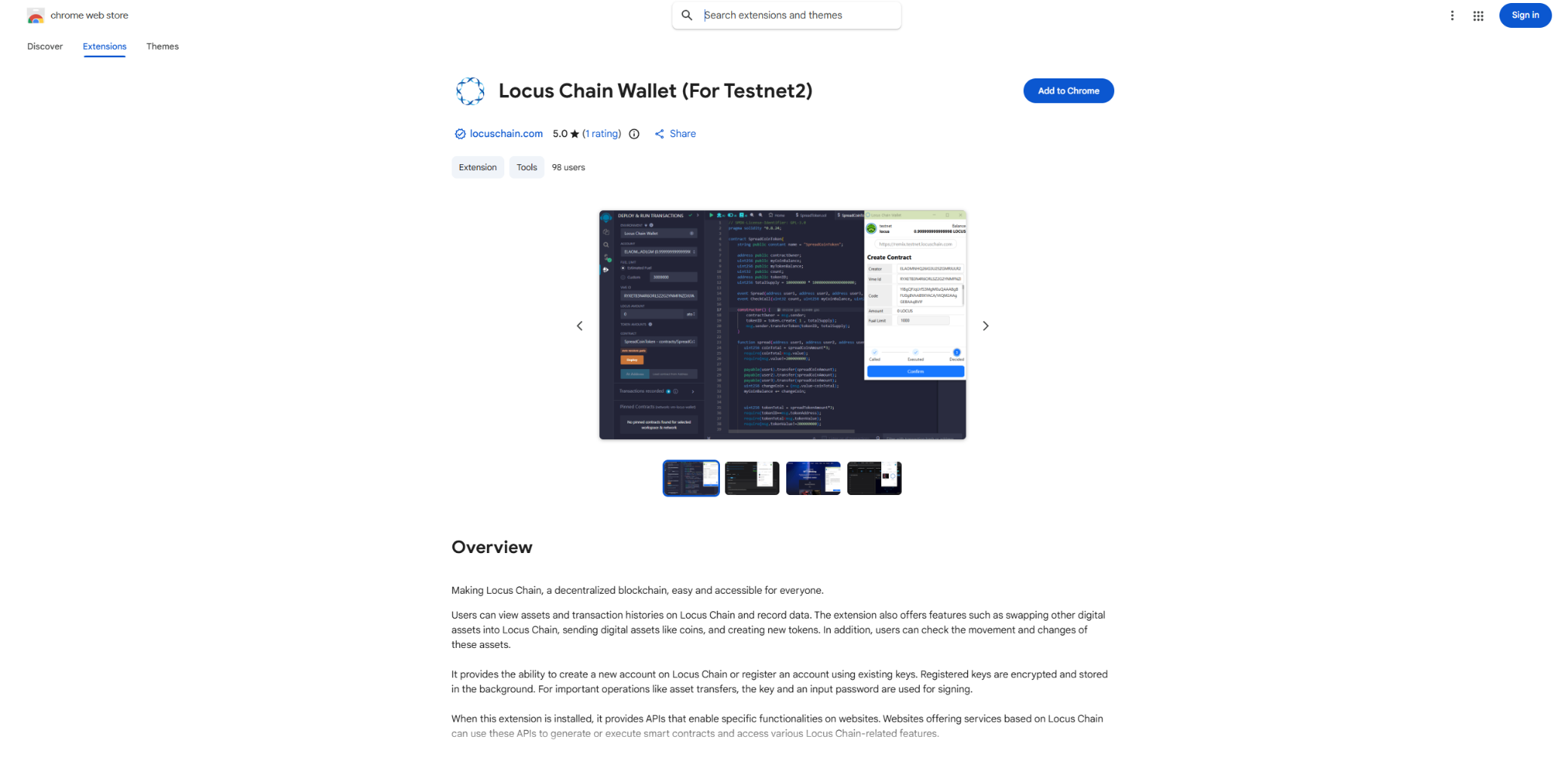
When you click Add to Chrome, the download will begin.
Need more help? Contact support